
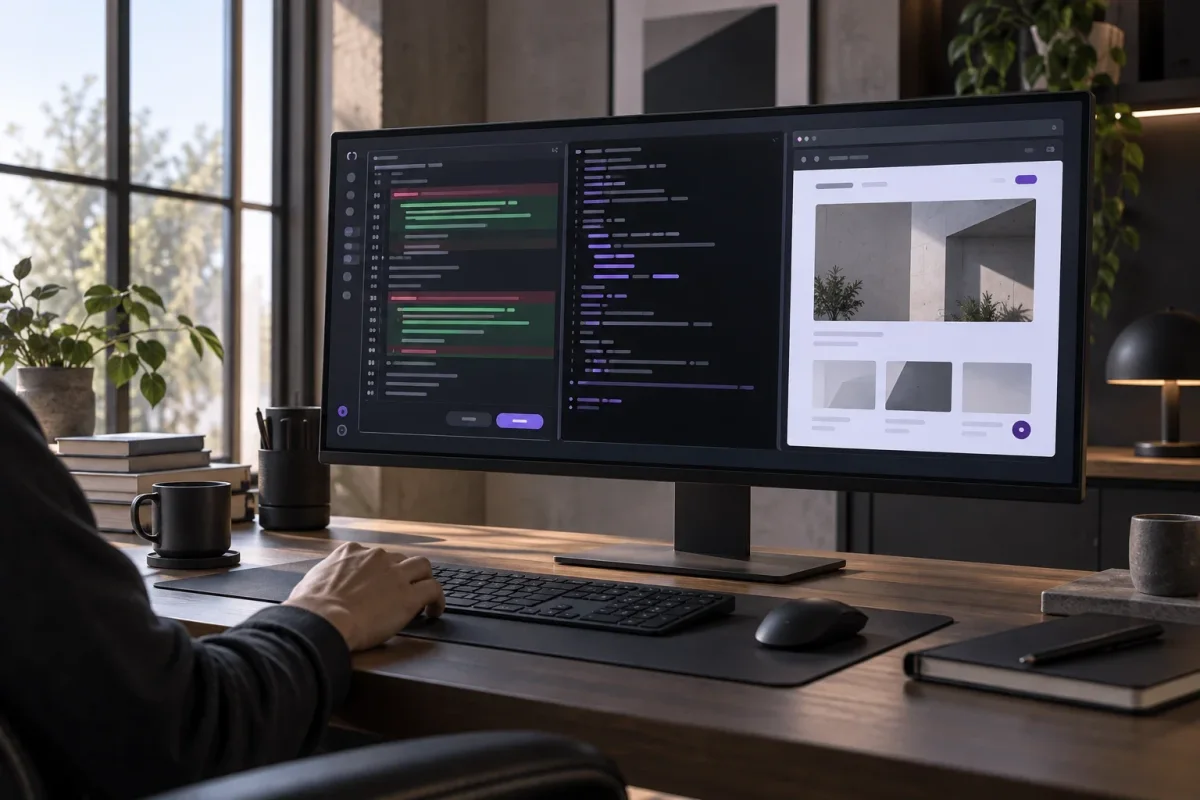
GitHub said on September 10, 2026, that developers can now review agent-made code changes, run projects and test user interfaces through built-in panels in the GitHub Copilot app. Once the work meets their requirements, users can accept the changes and create a pull request directly from the app.
The diff panel presents a before-and-after comparison of the code, identifying lines that were added, removed or changed. Additions appear in green and deletions in red. From the panel, users can accept changes, leave comments or ask Copilot to revise the work, while retaining the final decision over which changes proceed.
The terminal panel allows commands to run within the Copilot session. Users can start the code manually or configure a command as a script available through the Run button. In GitHub’s website example, a developer adds a development-server script that opens the client folder and runs npm run dev, then selects Run to start the site. The app also supports multiple terminal windows, allowing users to switch between them while commands continue to run.
For projects with a user interface, the browser panel lets developers open the application and test a new feature as a user would. Its Pick & Polish tool can select an interface element for further adjustment with the agent. After making revisions, the developer can run the development-server script again to inspect the updated result.
GitHub presents the three panels as a single workflow for answering what changed, whether the project runs and whether the result works as intended. The company says placing review, execution and preview tools side by side removes the need to move among an editor, terminal window and web browser, while allowing developers to verify agent-generated code before accepting it.